
Move and Solve
Control objects, collect stars or points, reach goals, avoid hazards, and use momentum to complete the level objective.
Game details
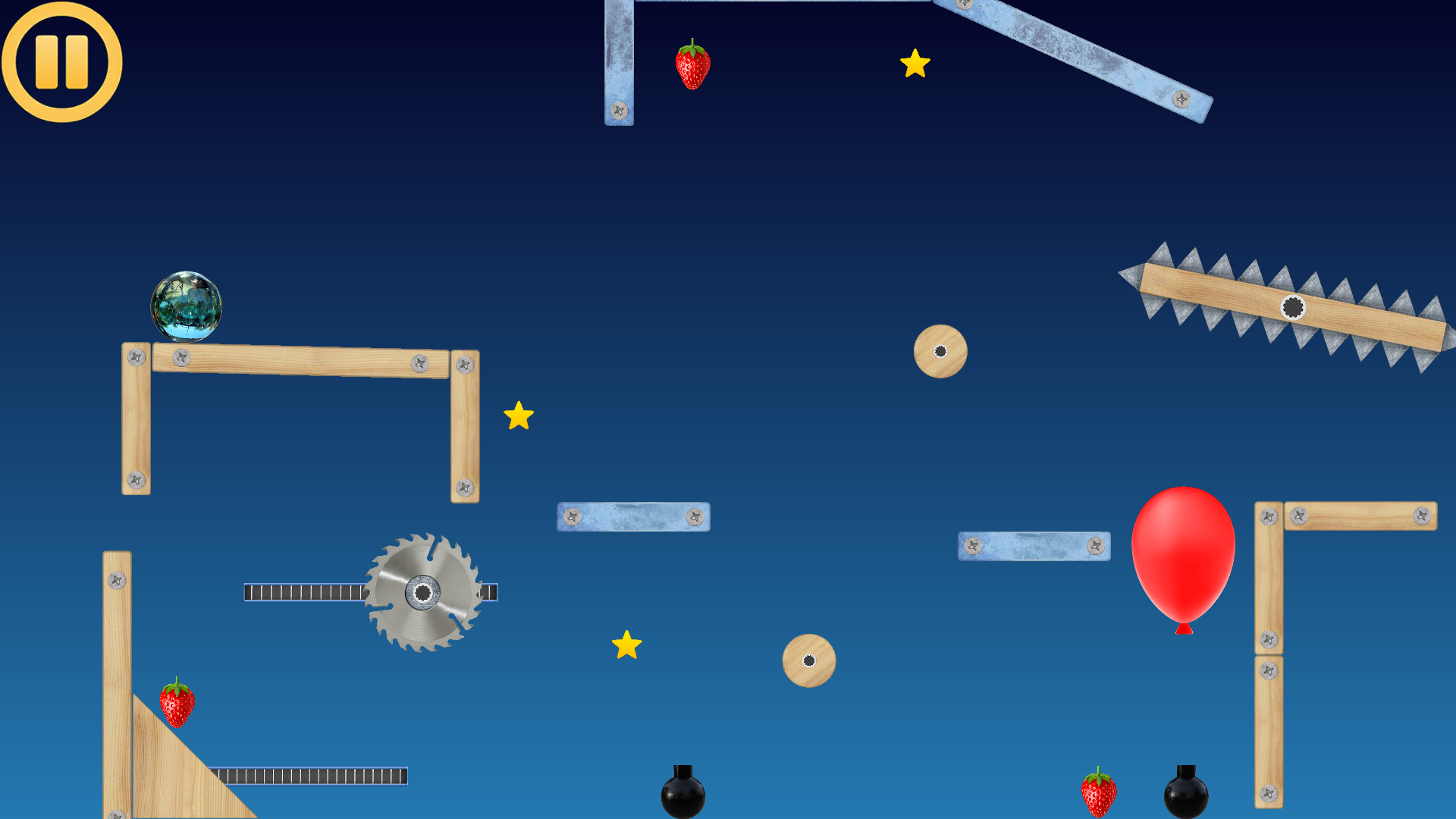
A physics puzzle game and construction sandbox where planks, balls, joints, triggers, collectors, hazards, and logic systems become playable machines.
Overview
Ancient Machines is built around tactile physics: players solve levels by understanding motion, force, timing, object properties, and how different systems interact.
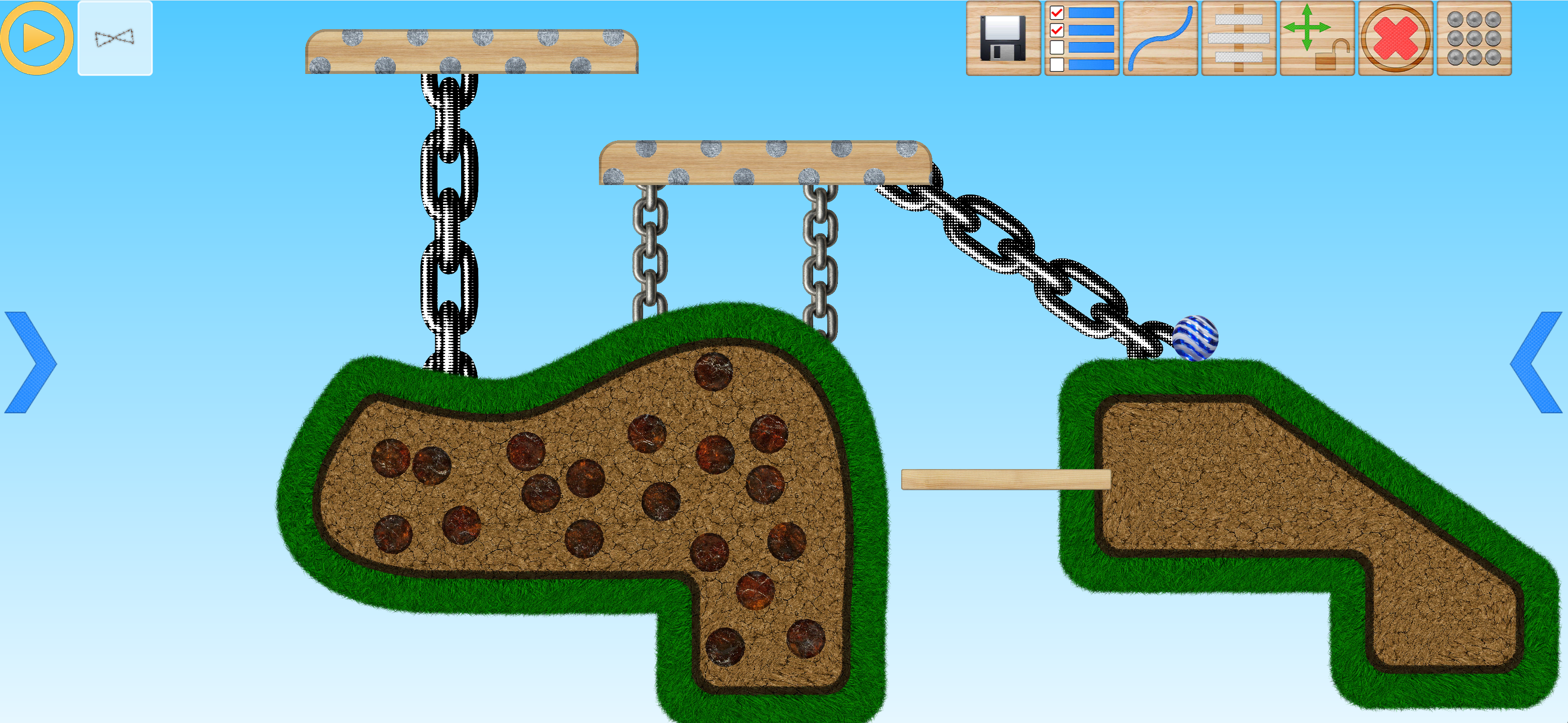
The game includes a detailed editor for building custom puzzles. You can place objects, tune physical properties, create moving platforms, connect joints, draw custom physics lines, use triggers and chips, and then immediately test the result in play mode.
Level modes
Ancient Machines levels are not all built the same way. The selected level type changes what the player is expected to do during solve mode.
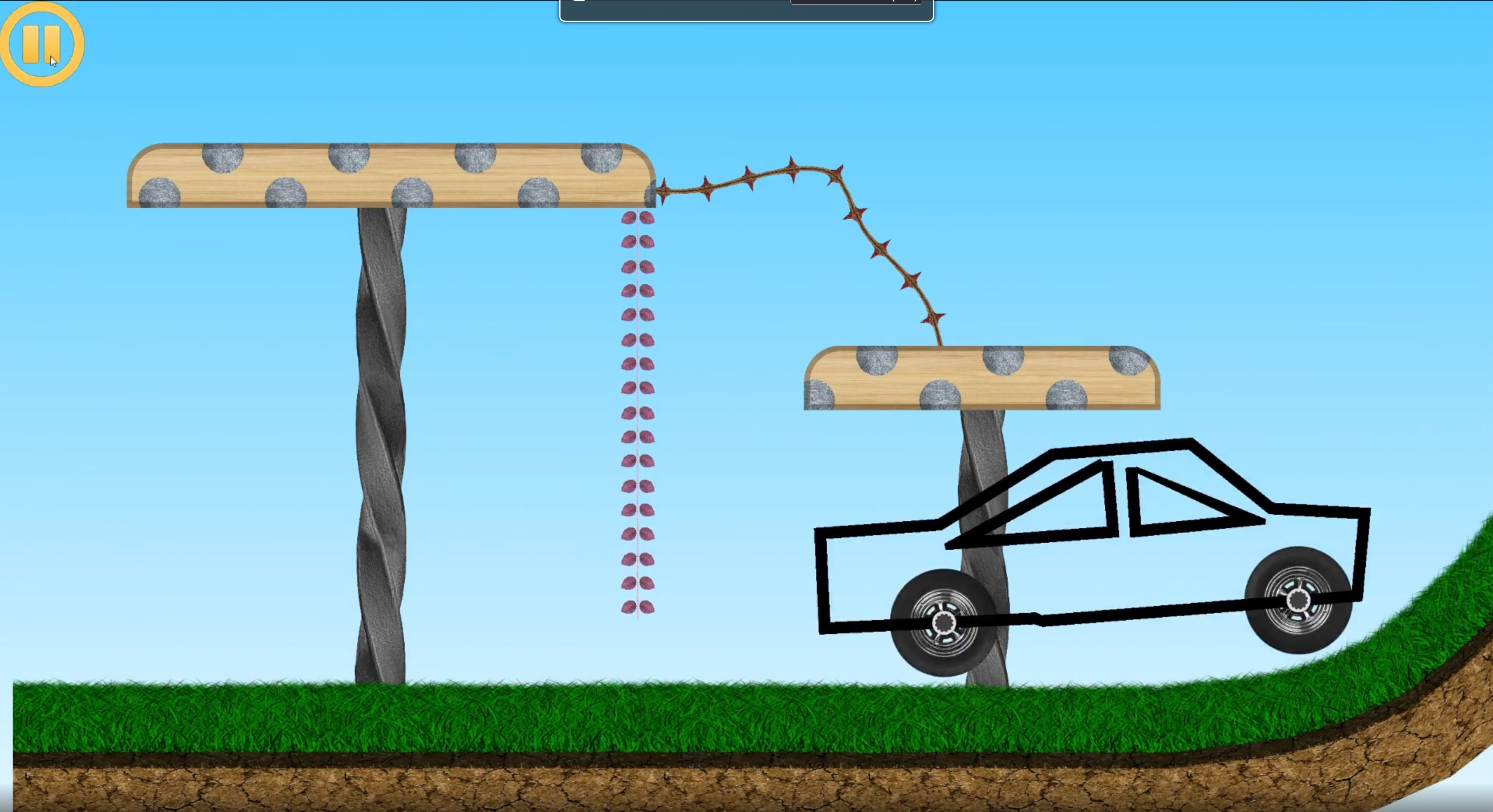
The player solves the puzzle by assembling a machine from allowed objects. This is the budget-driven mode where every part and joint choice matters.

The level is solved through direct interaction with the scene: touches, drags, touch-triggered motors, touch destruction, and touch-driven trigger zones.
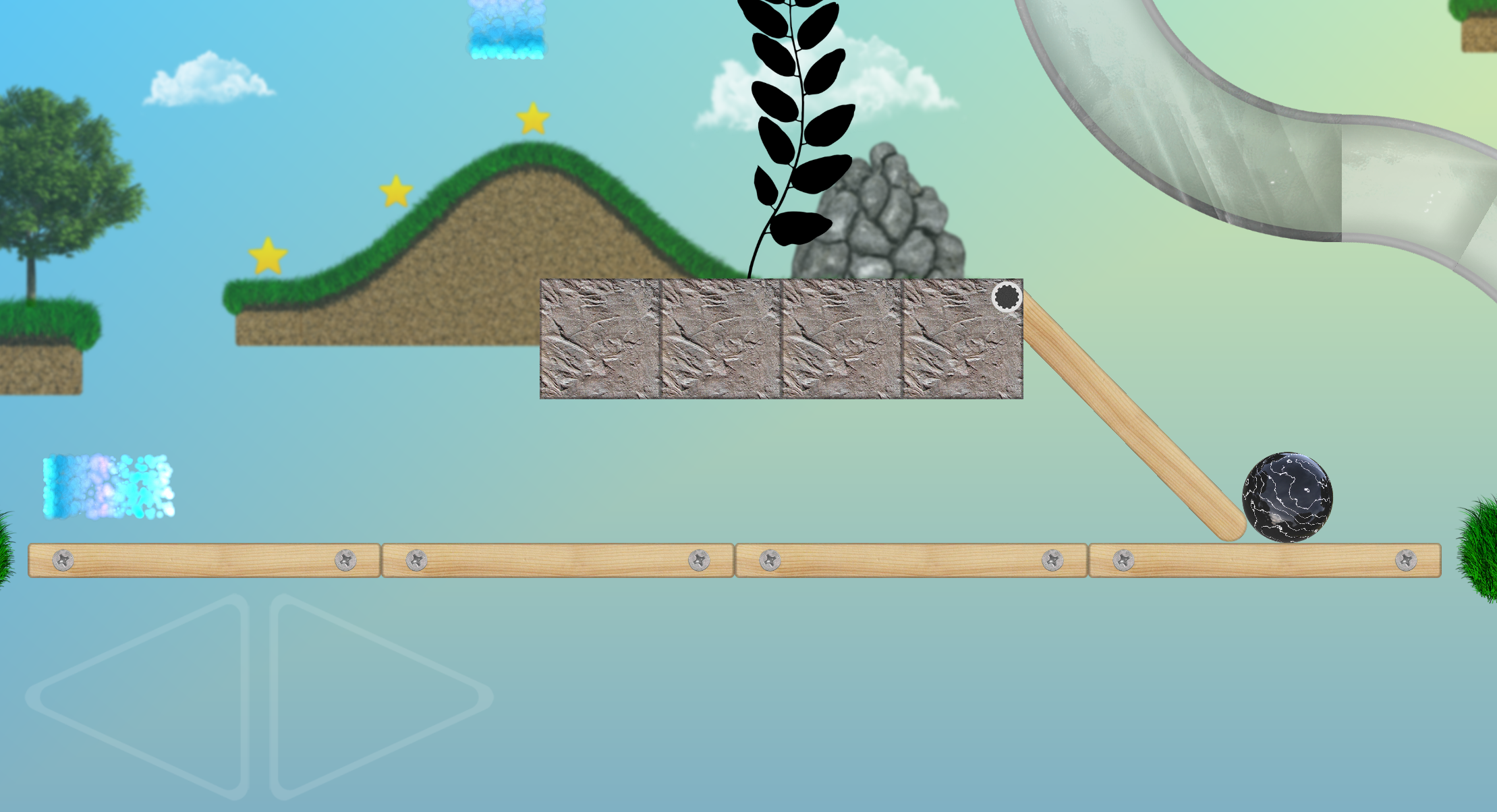
The level behaves like a platform challenge with a main character, platform ground, jumping, left/right movement, collectibles, hazards, and camera follow.
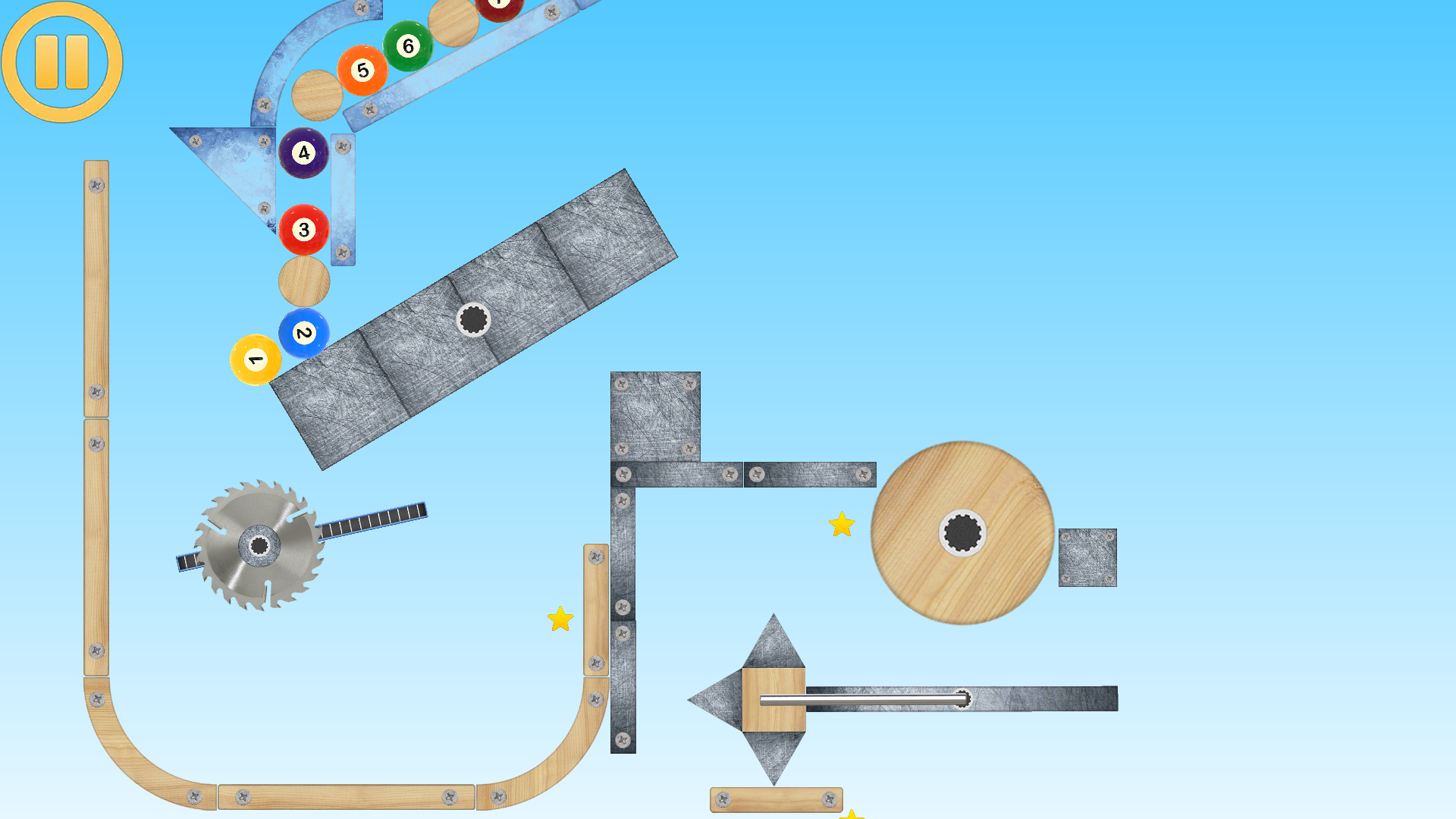
Editor
The editor exposes low-level physics and high-level gameplay behavior. A single object can be a dynamic body, a sensor, a goal, a target, a collector, a gun, a trigger, a moving platform, a logic source, or part of a larger group.
The walkthrough page explains the control icons, object settings, object game settings, level-type details, joint types, joint settings, Dynamic Tree generation, and dedicated Game Settings guides.
Systems
Ancient Machines has gameplay systems that can be combined: triggers activate chips, chips change objects, paths move platforms, and physics contacts can create new events.
Activate connected objects through contact, damage, timers, visibility, controls, motor limits, or other trigger zones.
Read values from source objects, process them through formulas, and send results to destination objects.
Move platforms along configured paths with speed, looping, reverse behavior, delays, and touch or contact activation.
Creator guide
· Creator toolkit update
Walk, run, jump and crouch. Choose from 15 skins, customize colors and textures, and shoot or throw with your chosen weapon.
Build a character →Attach a ragdoll to a bicycle or scooter and choose which object to resize when the fit needs adjusting.
Attach a rider →Save and import layered .amd drawings, explore 78 brushes and paint inside a selection.
Explore the Image Editor →Creator guide
Articulated characters, powered vehicles, painted artwork, particles and physical destruction extend what you can create.
Characters & vehicles
Create an articulated physics character, dress it in one of 15 skins, choose weapons and shields, set its pose, and configure balance, walking and independent hand controls.
Explore the guideCharacters & vehicles
Create a four-legged physics character with separate front and rear leg chains, a neck, head and articulated tail.
Explore the guide
Characters & vehicles
Build motor vehicles and light vehicles, choose which wheels receive power, and tune wheels, appearance, input and suspension.
Explore the guide
Art & effects
Create your own artwork for a level with 78 brush types, painting and smudging tools, gradient fills, editable vector lines, textures, stamps and a layered canvas.
Explore the guide
Art & effects
Design your own particle effects inside the game, including their graphics, emission, movement, colour, size and fading. Save them in Particles and use them in your own level as placed effects or object events.
Explore the guide
World & physics
Choose material textures for supported shapes and tune the inner body and outer spikes of composite objects independently.
Explore the guide
World & physics
Guide objects through transparent passages built from glass tube pieces or configurable procedural tubes.
Explore the guide
Editor workflows
Review recorded edits, undo a change or jump to an earlier state. Level edits, line-point edits and drawing edits have their own histories.
Explore the guideWorld & physics
Organize foreground and background art, control visibility and editing locks, and make scene layers move with the camera to create depth.
Explore the guide
Art & effects
Combine a visual destruction effect with real physics fragments that carry pieces of the destroyed object's artwork.
Explore the guide
World & physics
Move eligible objects to a connected teleport destination and decide how mass, connected bodies, momentum, damage and animation are handled.
Explore the guideWorld & physics
Create a water object with flow and drag, then tune the visual surface response to impacts.
Explore the guide
World & physics
Tune the body behind an object, use a simpler collider where appropriate, and configure collision, render and joint groups separately.
Explore the guide
Art & effects
Configure procedural rainbow shapes and branching electricity with their own geometry, textures, animation and glow.
Explore the guideMedia
Next
The walkthrough page is the complete web help: icons, settings, game logic, joints, and the advanced systems described in the project docs.
01 / Art & effects
Paint a small graphic, give it motion in Particle Editor and place your own effect in a level.
Build this example02 / Characters & vehicles
Choose a skin, set up walking and connect left/right input on a simple flat platform.
Build this example03 / Art & effects
Save a short spark burst and trigger it when a physical object hits the floor.
Build this example