
Physics First
Objects react through density, friction, restitution, joints, motors, sensors, damage, and collision rules.
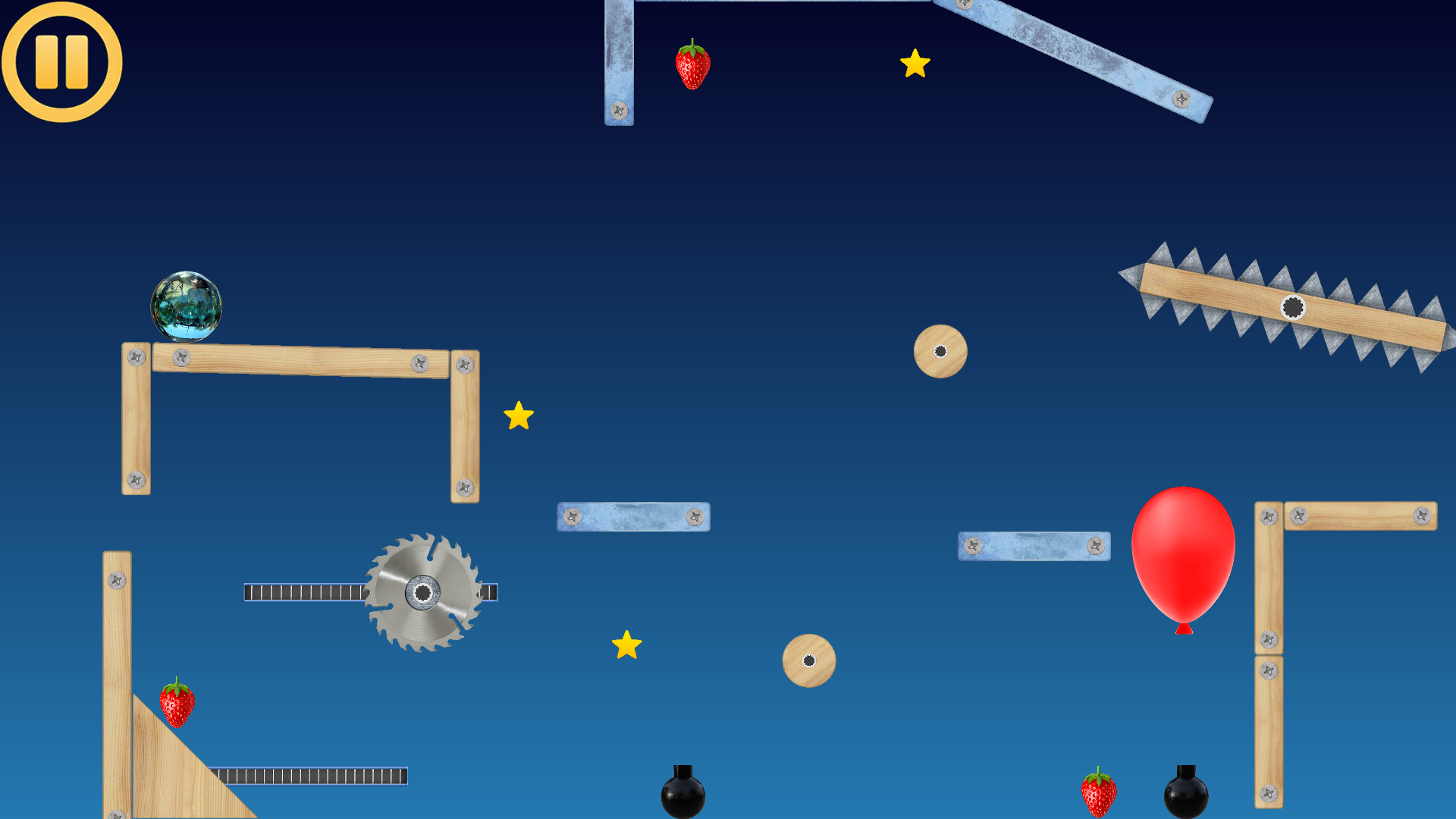
Physics puzzle sandbox
Build a machine. Give it a world. Solve physics puzzles, drive custom vehicles, bring articulated characters to life, and create your own artwork and effects in a full level editor.
Game pillars
Ancient Machines combines hands-on physics play with creator tools, so levels can be simple marble puzzles or dense contraptions full of logic and timing.
Objects react through density, friction, restitution, joints, motors, sensors, damage, and collision rules.
Place objects, duplicate them, draw physics lines, group machines, and tune how every object behaves.
Trigger zones, chips, advanced paths, guns, shape shifting, and smart follow objects make levels interactive.
Featured game
A physics puzzle and construction game where every object can be part of a machine: a platform, a trigger, a target, a collector, a moving body, a weapon, or a logic node.
Screenshots
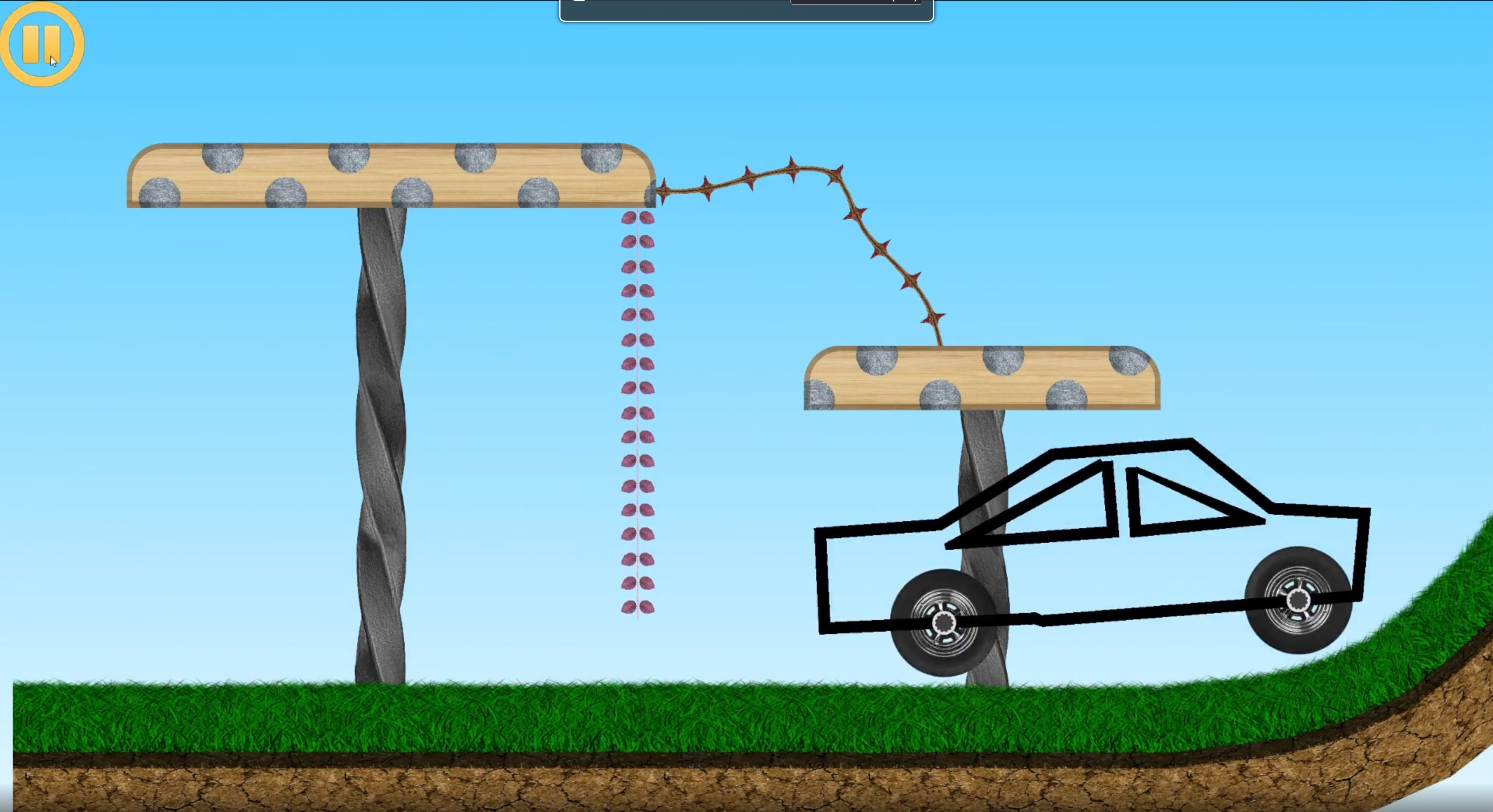
Gameplay scenes show moving bodies, collectibles, hazards, platforms, control overlays, and puzzle objectives.
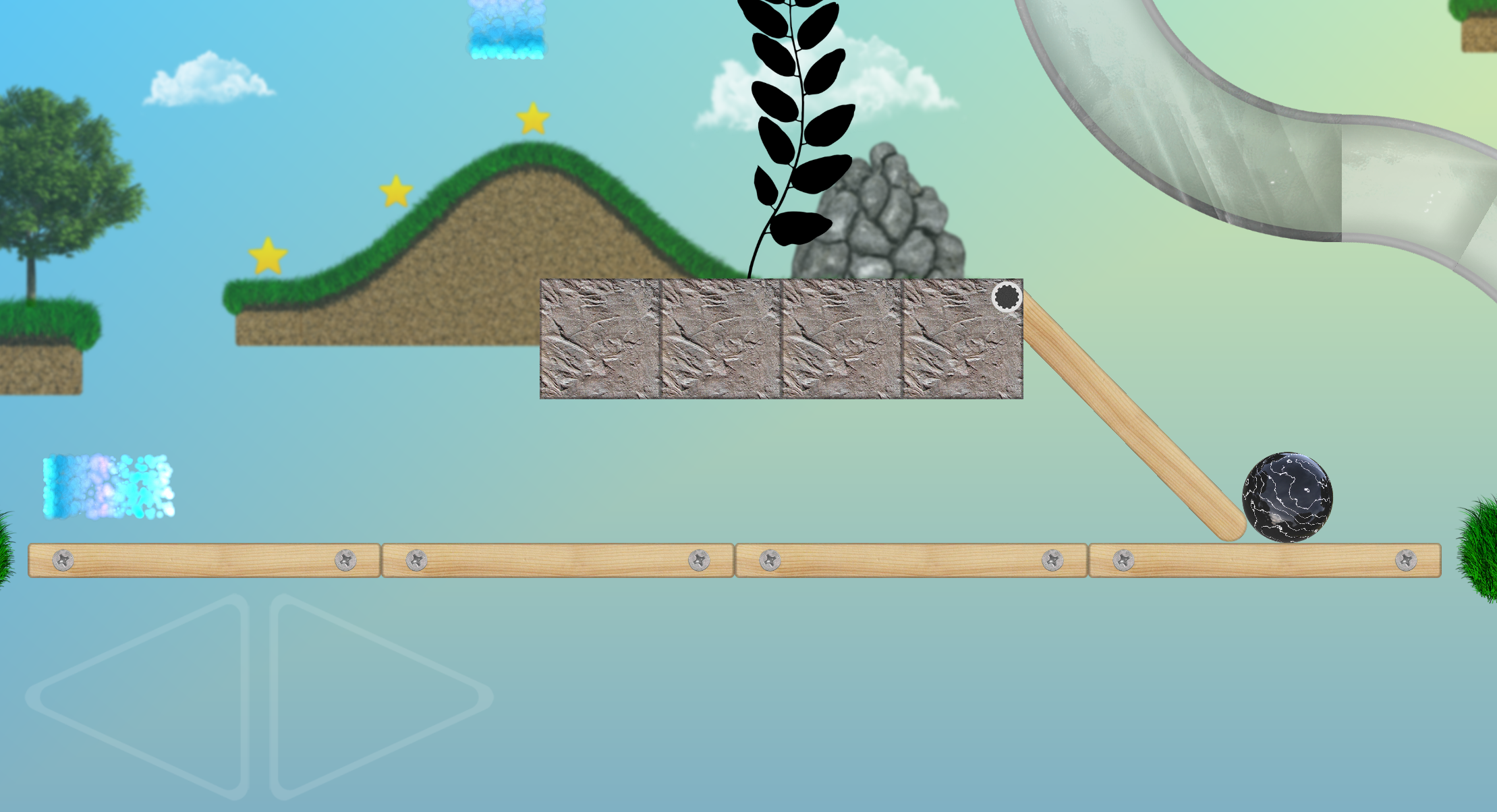
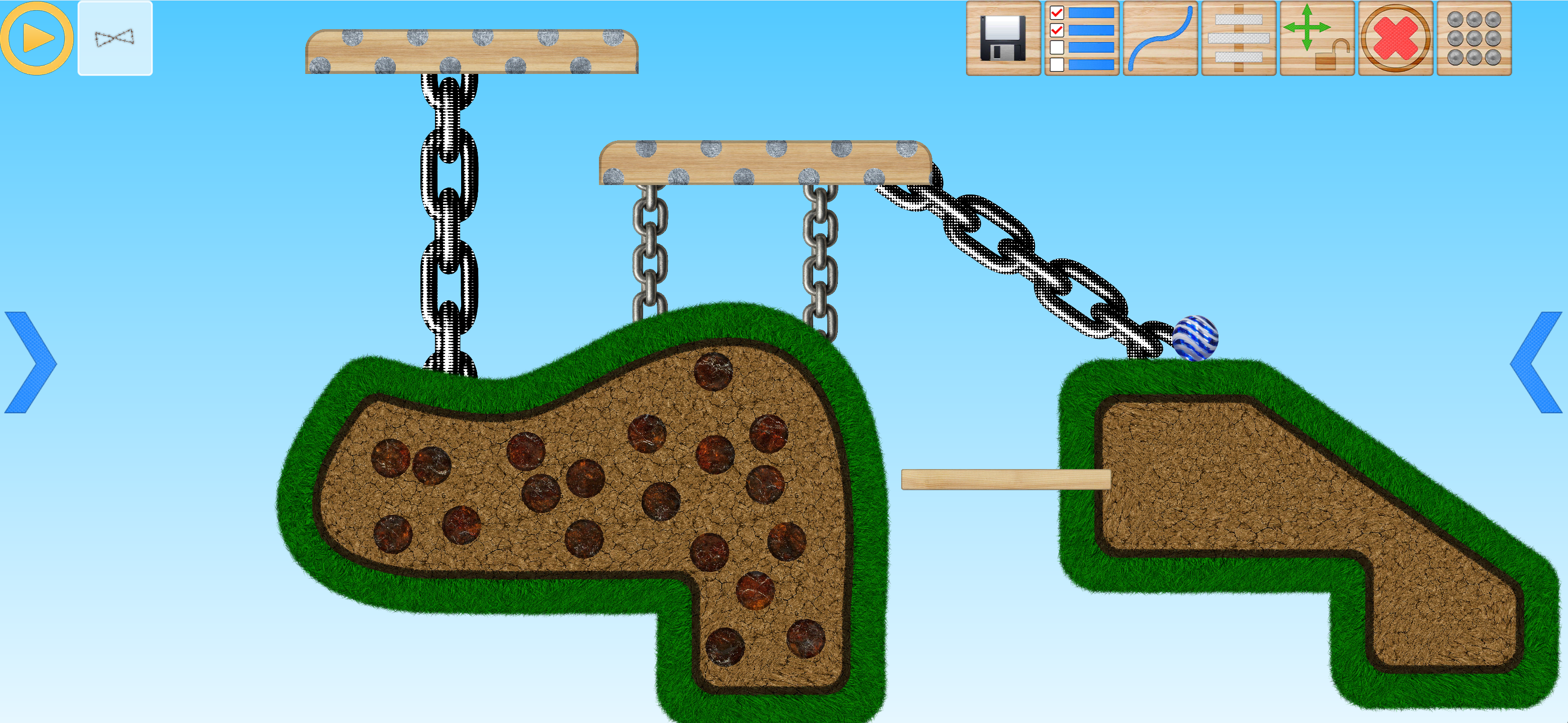
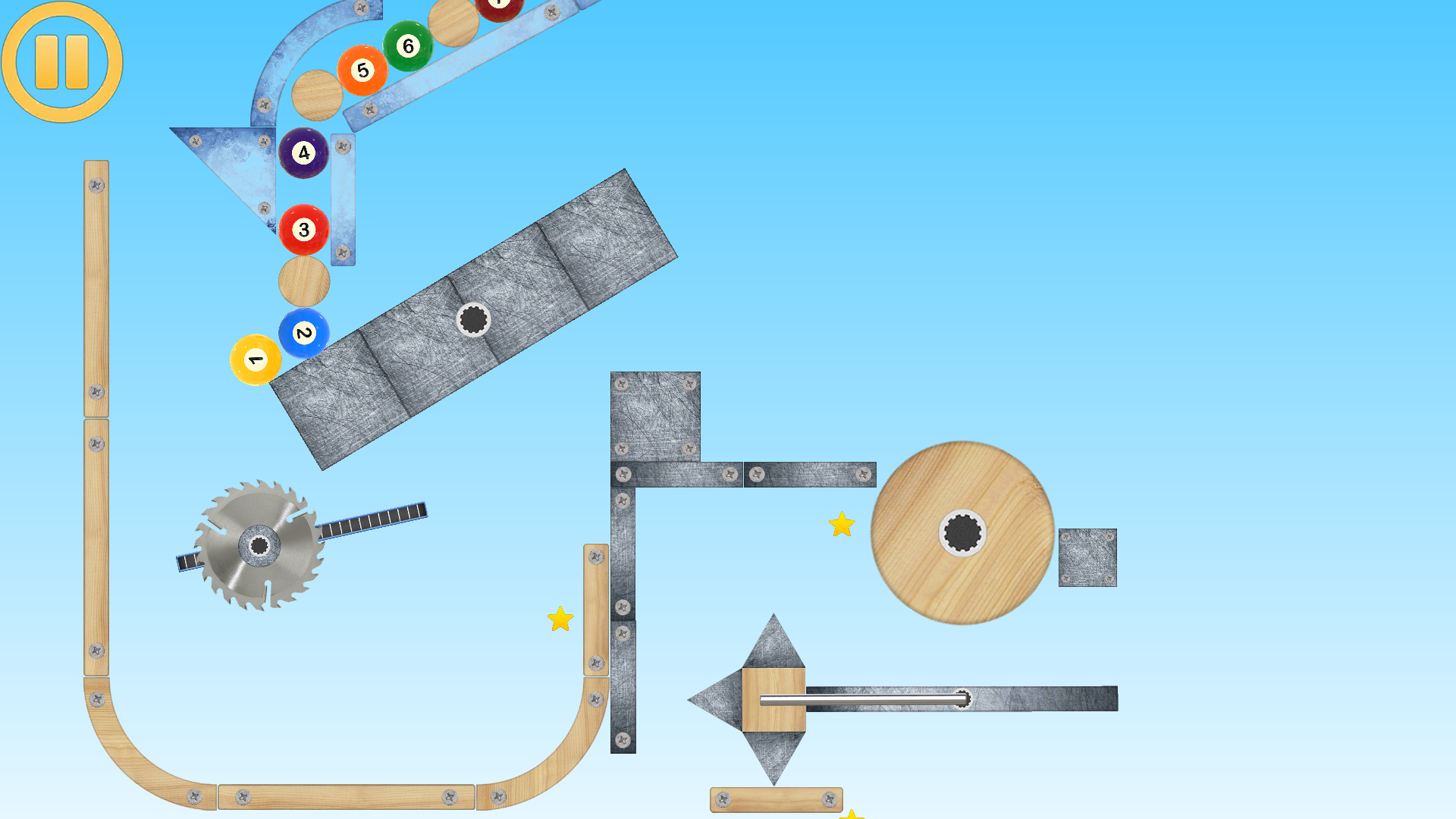
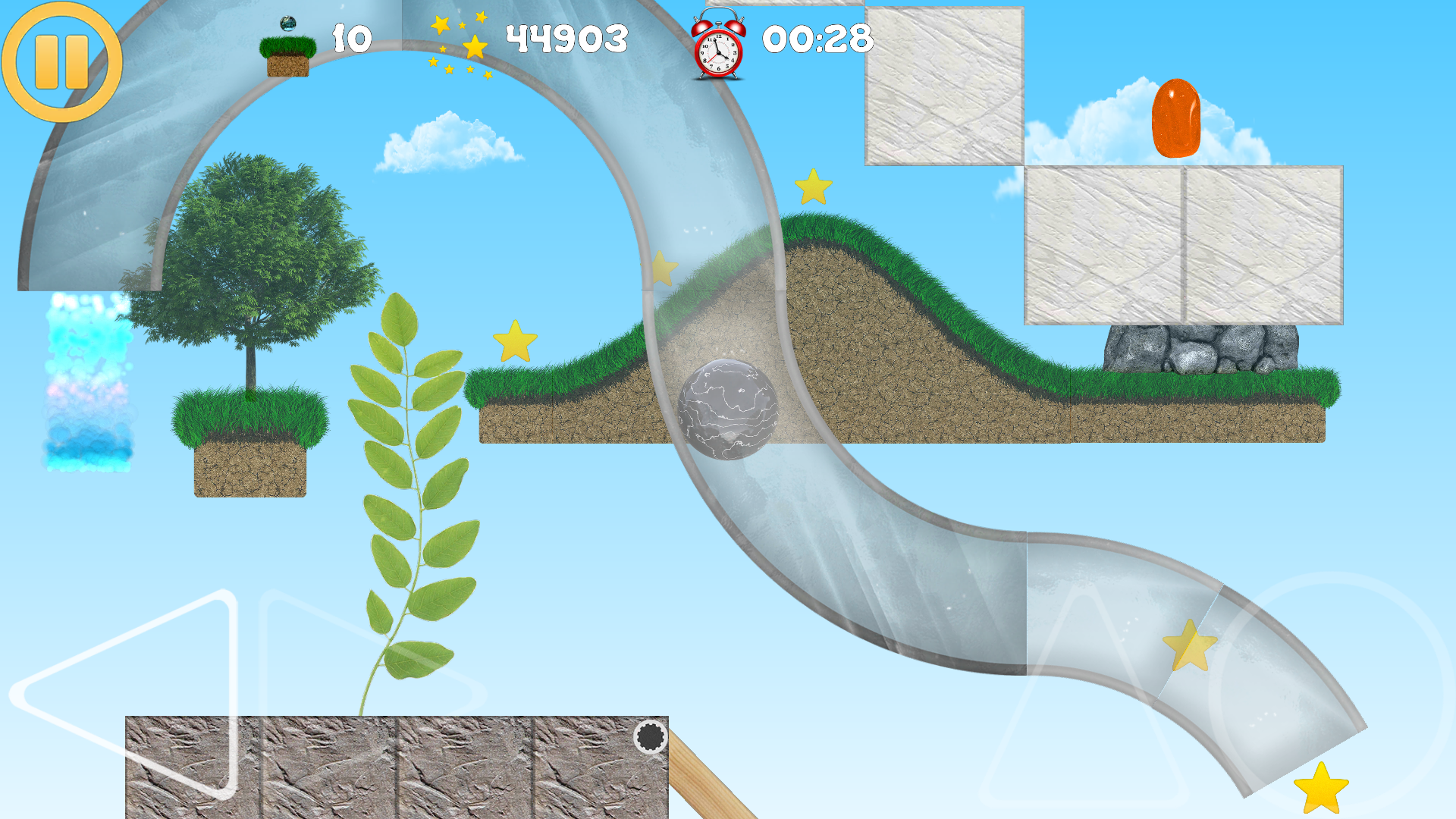
01 / Art & effects
Paint a small graphic, give it motion in Particle Editor and place your own effect in a level.
Build this example02 / Characters & vehicles
Choose a skin, set up walking and connect left/right input on a simple flat platform.
Build this example03 / Art & effects
Save a short spark burst and trigger it when a physical object hits the floor.
Build this exampleCreator guide
· Creator toolkit update
Walk, run, jump and crouch. Choose from 15 skins, customize colors and textures, and shoot or throw with your chosen weapon.
Build a character →Attach a ragdoll to a bicycle or scooter and choose which object to resize when the fit needs adjusting.
Attach a rider →Save and import layered .amd drawings, explore 78 brushes and paint inside a selection.
Explore the Image Editor →Creator guide
Make physics characters, choose wheel drive, paint your own artwork and design the effects that make each level yours.
Create an articulated physics character, dress it in one of 15 skins, choose weapons and shields, set its pose, and configure balance, walking and independent hand controls.
Read the guide →Build motor vehicles and light vehicles, choose which wheels receive power, and tune wheels, appearance, input and suspension.
Read the guide →Create your own artwork for a level with 78 brush types, painting and smudging tools, gradient fills, editable vector lines, textures, stamps and a layered canvas.
Read the guide →Design your own particle effects inside the game, including their graphics, emission, movement, colour, size and fading. Save them in Particles and use them in your own level as placed effects or object events.
Read the guide →Combine a visual destruction effect with real physics fragments that carry pieces of the destroyed object's artwork.
Read the guide →Organize foreground and background art, control visibility and editing locks, and make scene layers move with the camera to create depth.
Read the guide →
Studio
An indie studio focused on expressive physics mechanics, player-made levels, and tactile game objects that feel like pieces of a living machine.
Contact
Founder: Caslav Sabani
Belgrade, Serbia